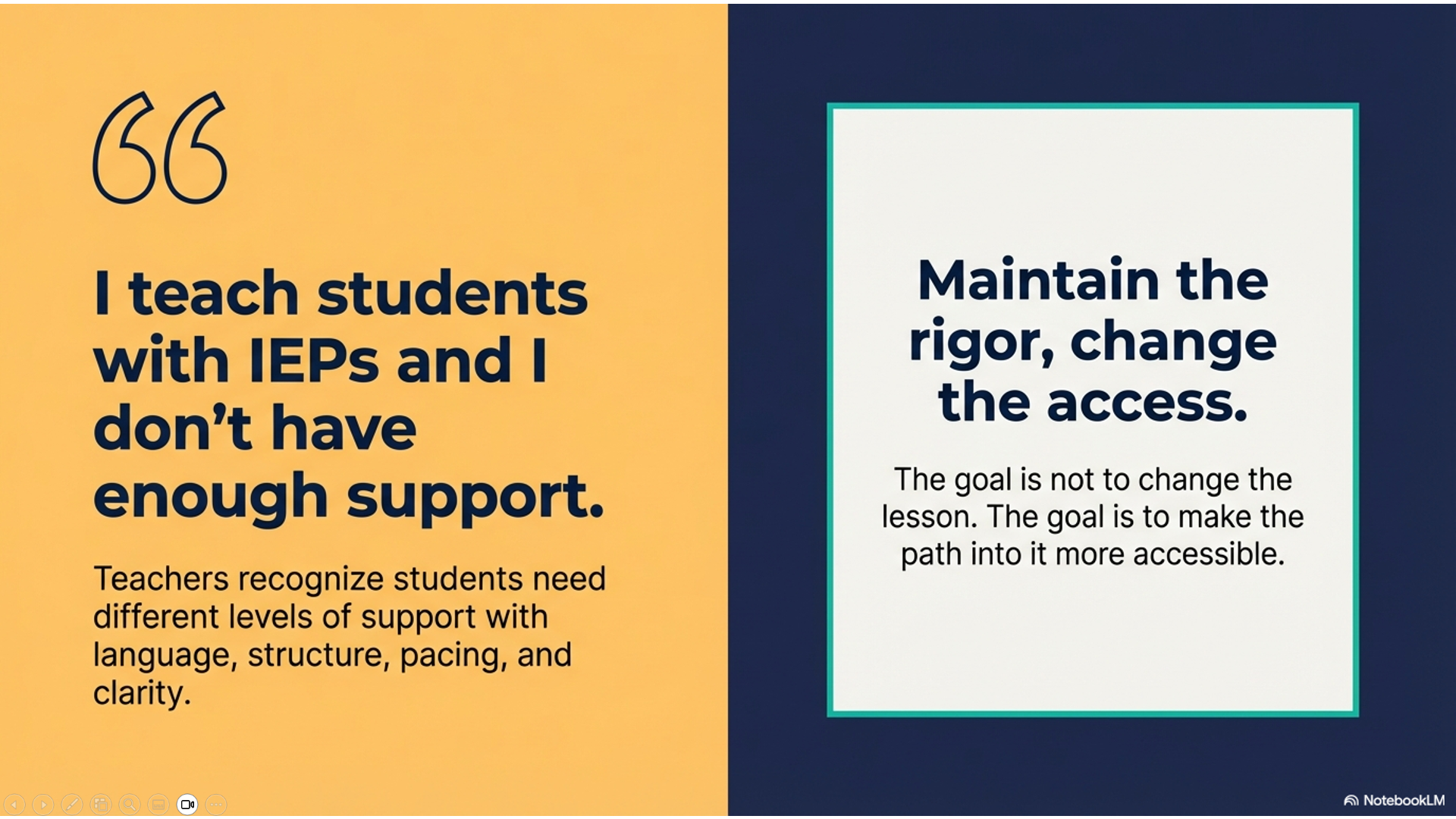
Workflow 9: “I teach students with IEPs and I don’t have enough support”
A special education teacher—or a general education teacher with several students on IEPs—is planning a lesson and knows that some students will need additional support with language, structure, pacing, and clarity. The goal is not to change the lesson, but to make the path into it more accessible.

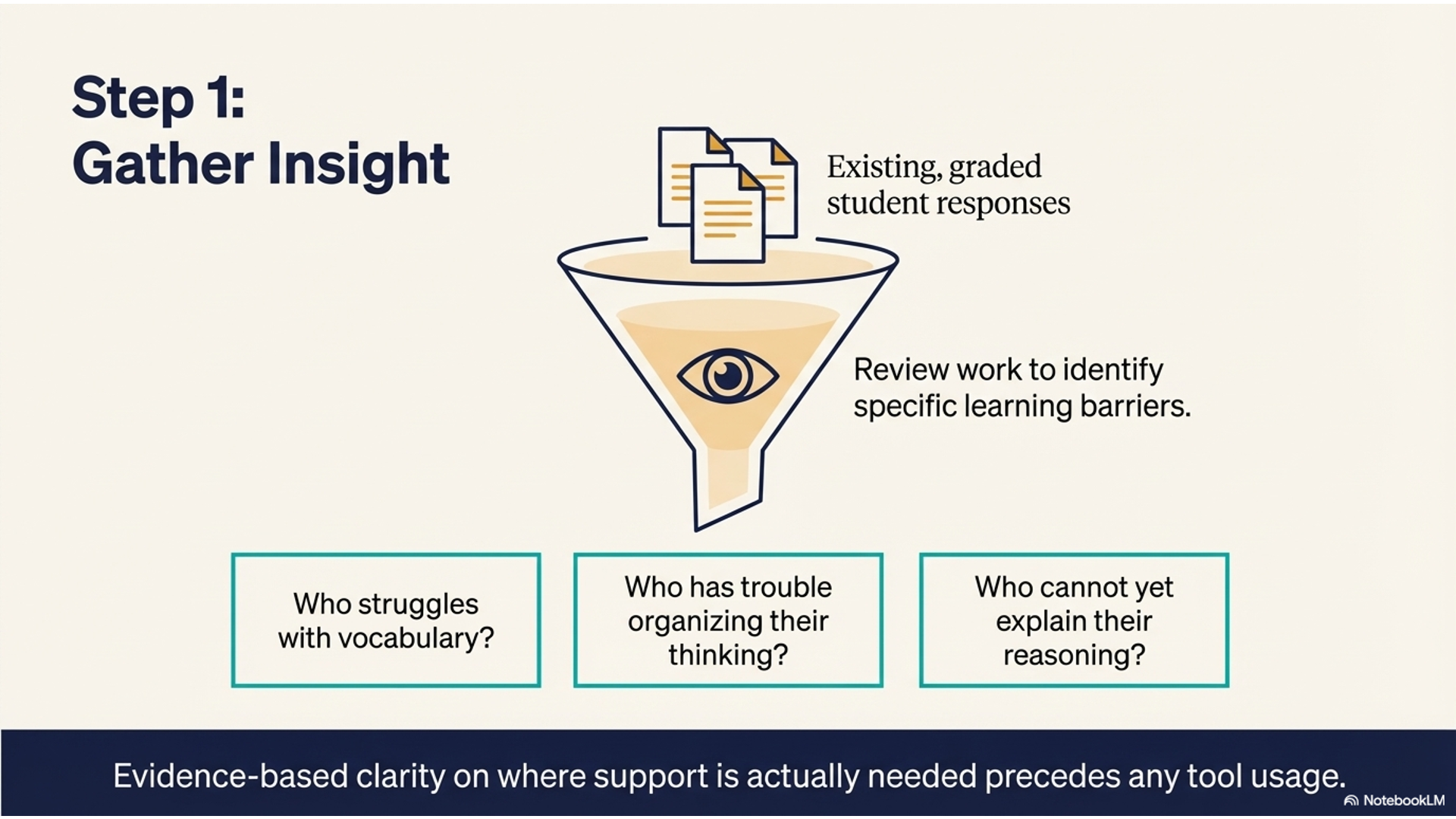
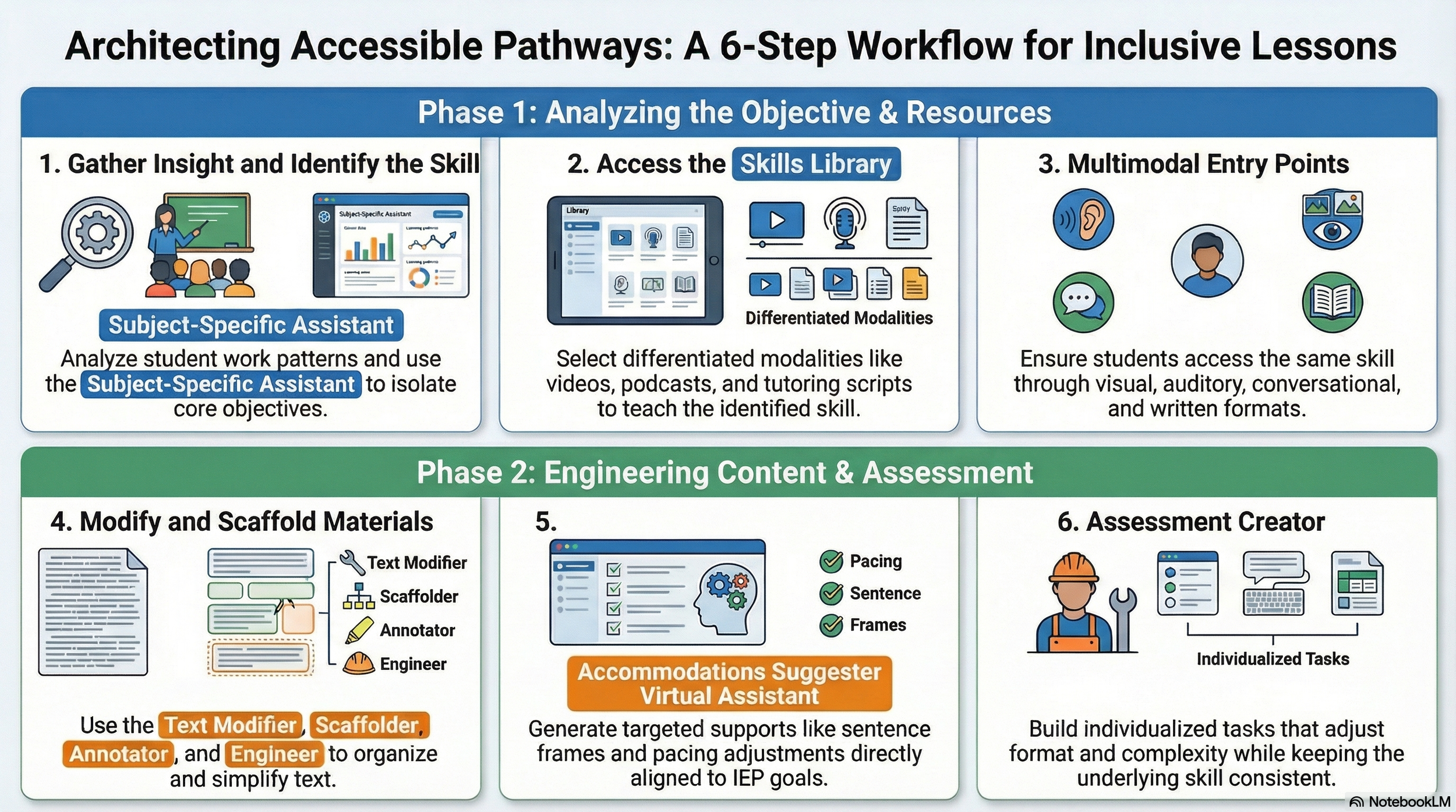
She starts by gathering insight into her students through the work she is already collecting and grading. By looking closely at student responses, she identifies patterns—who struggles with vocabulary, who has trouble organizing their thinking, who can’t yet explain their reasoning. This gives her a clearer picture of where support is actually needed.
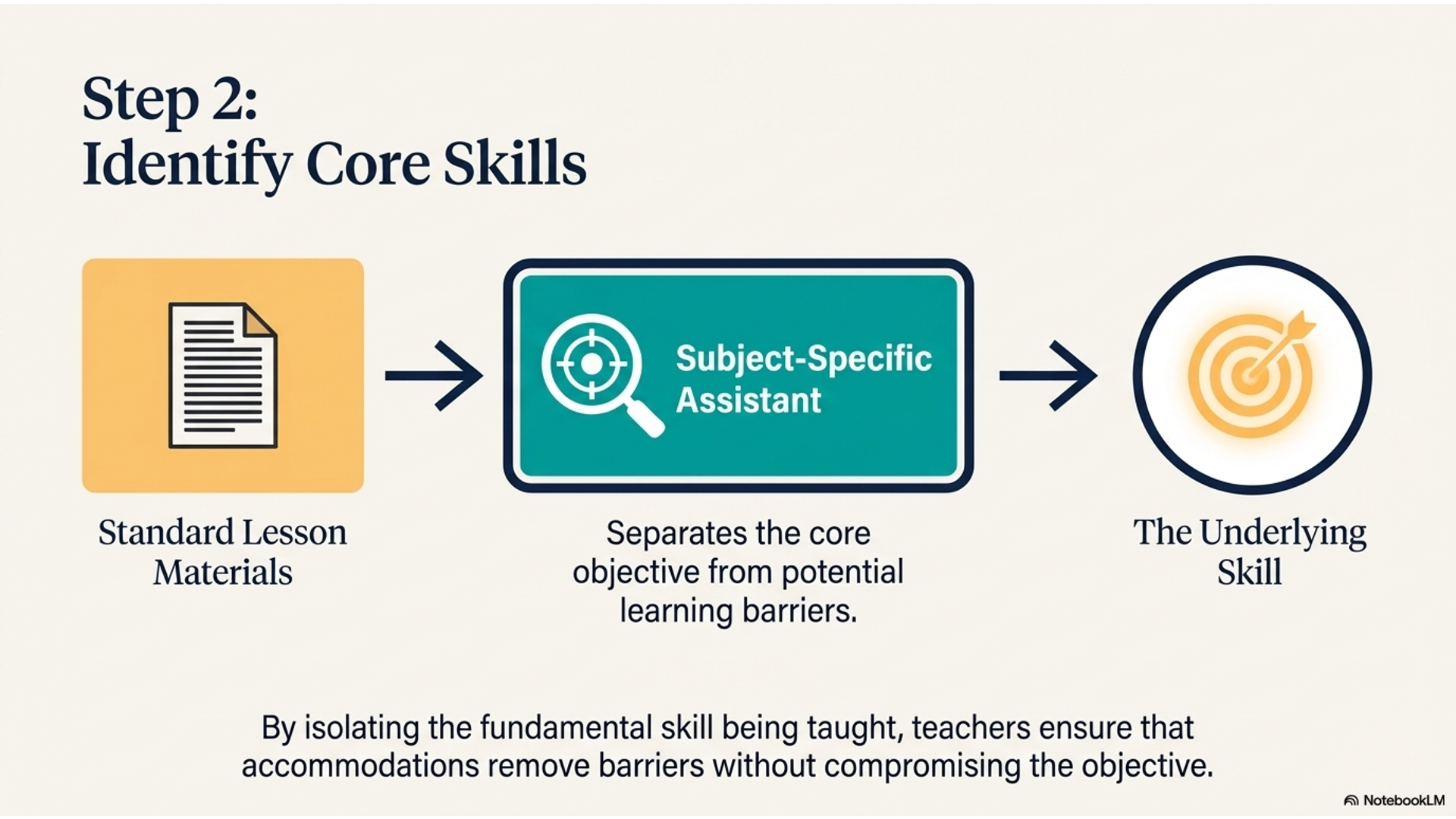
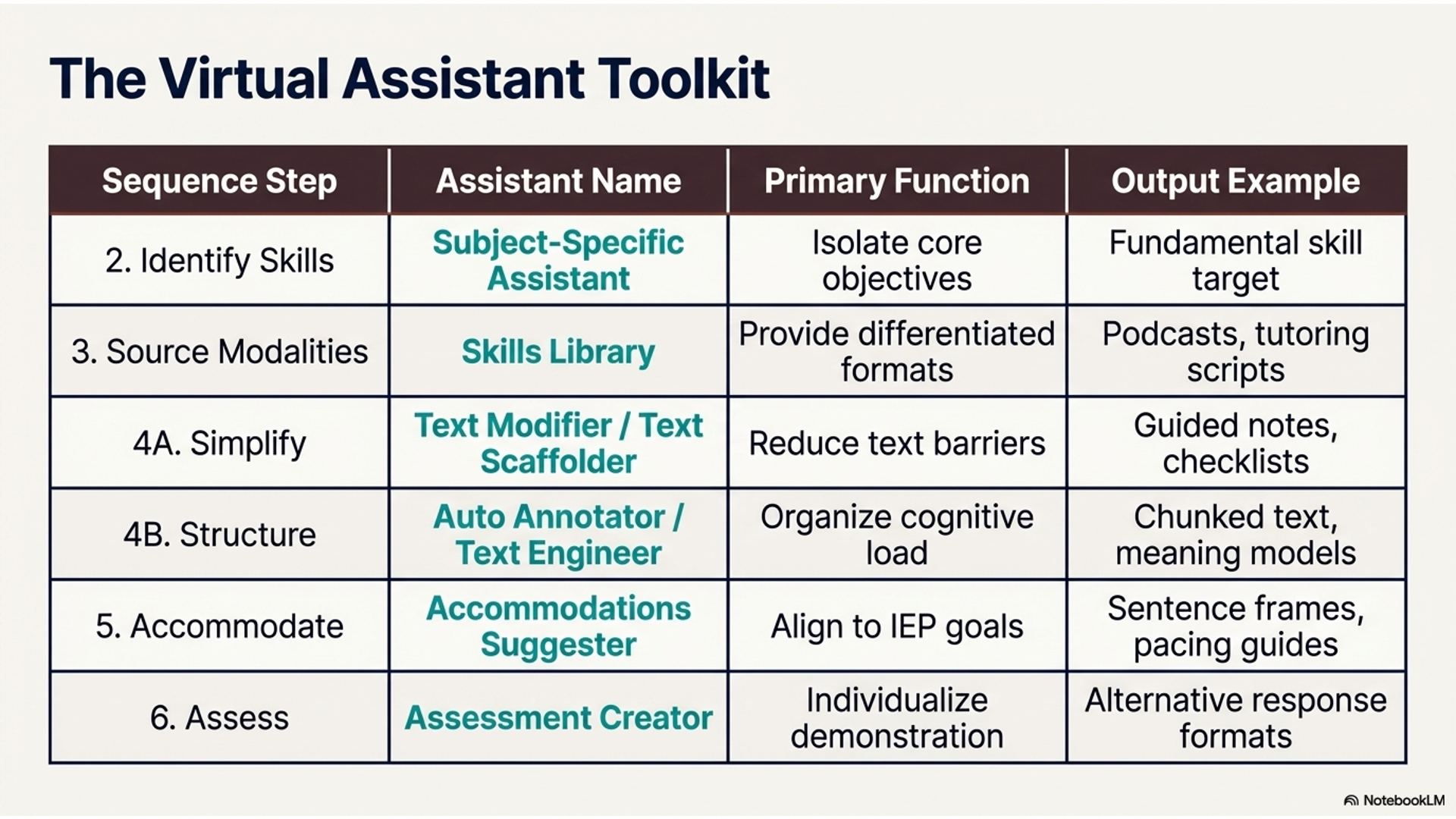
To deepen that understanding, she uploads her lesson materials into the Subject-Specific Assistant, which identifies the underlying skill being taught. This helps her separate the core objective from the barriers students might face in reaching it.
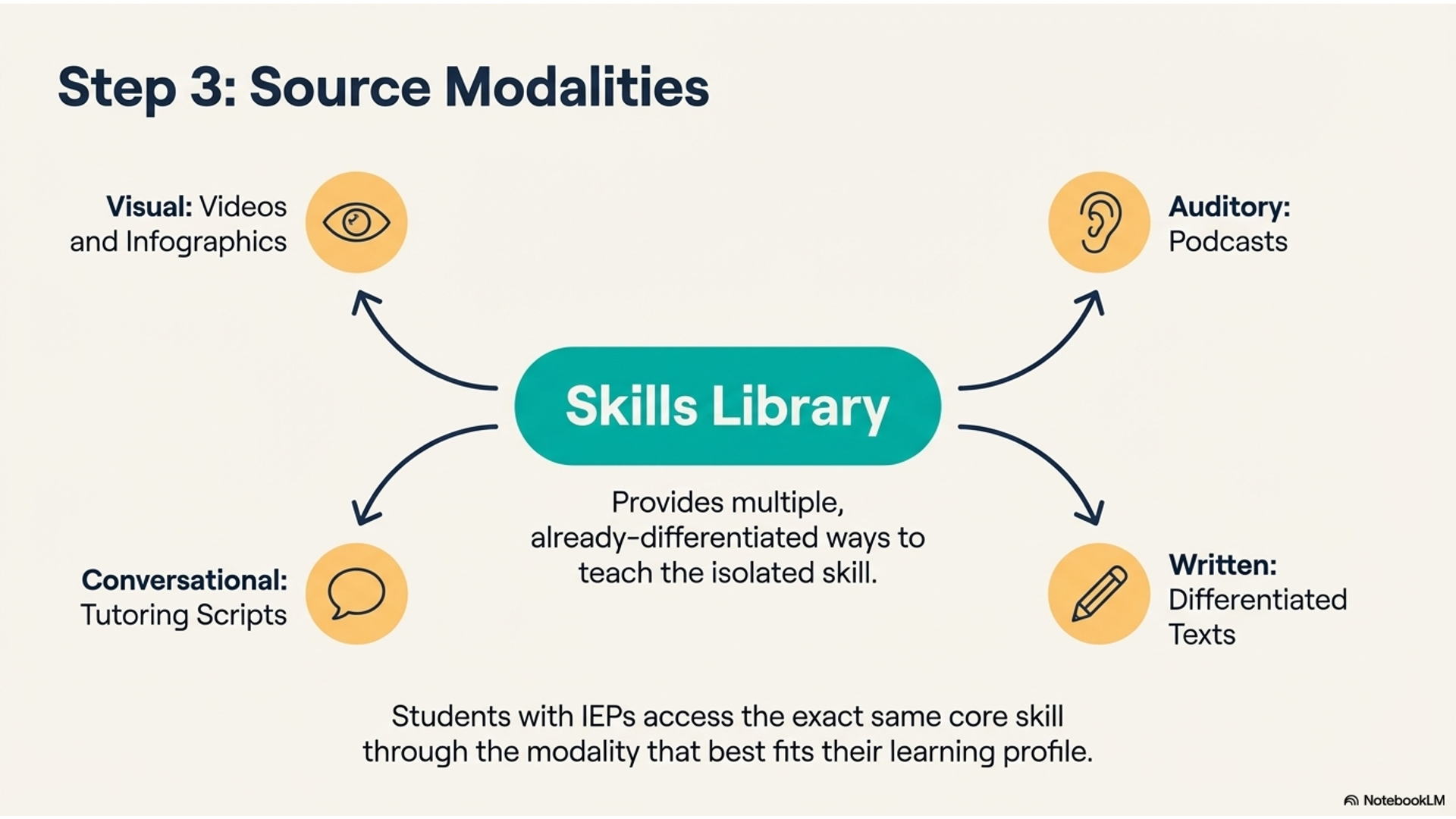
She then turns to the Skills Library for direct support on that skill. Here, she finds multiple ways to teach it—videos, infographics, tutoring scripts, and podcasts—all of which are already differentiated. This is especially valuable for students with IEPs, because they can access the same skill through different modalities: visual, auditory, conversational, and written.
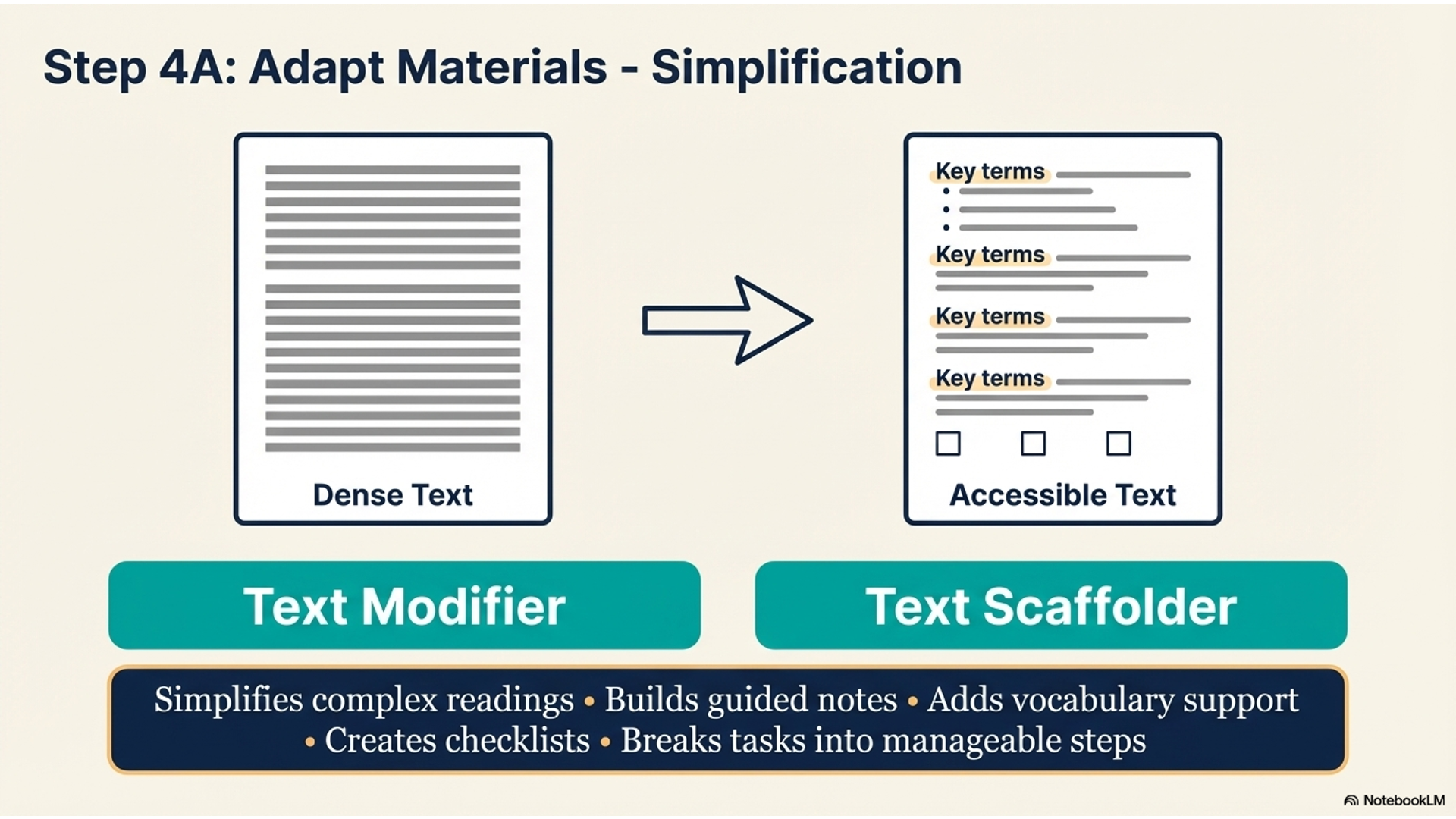
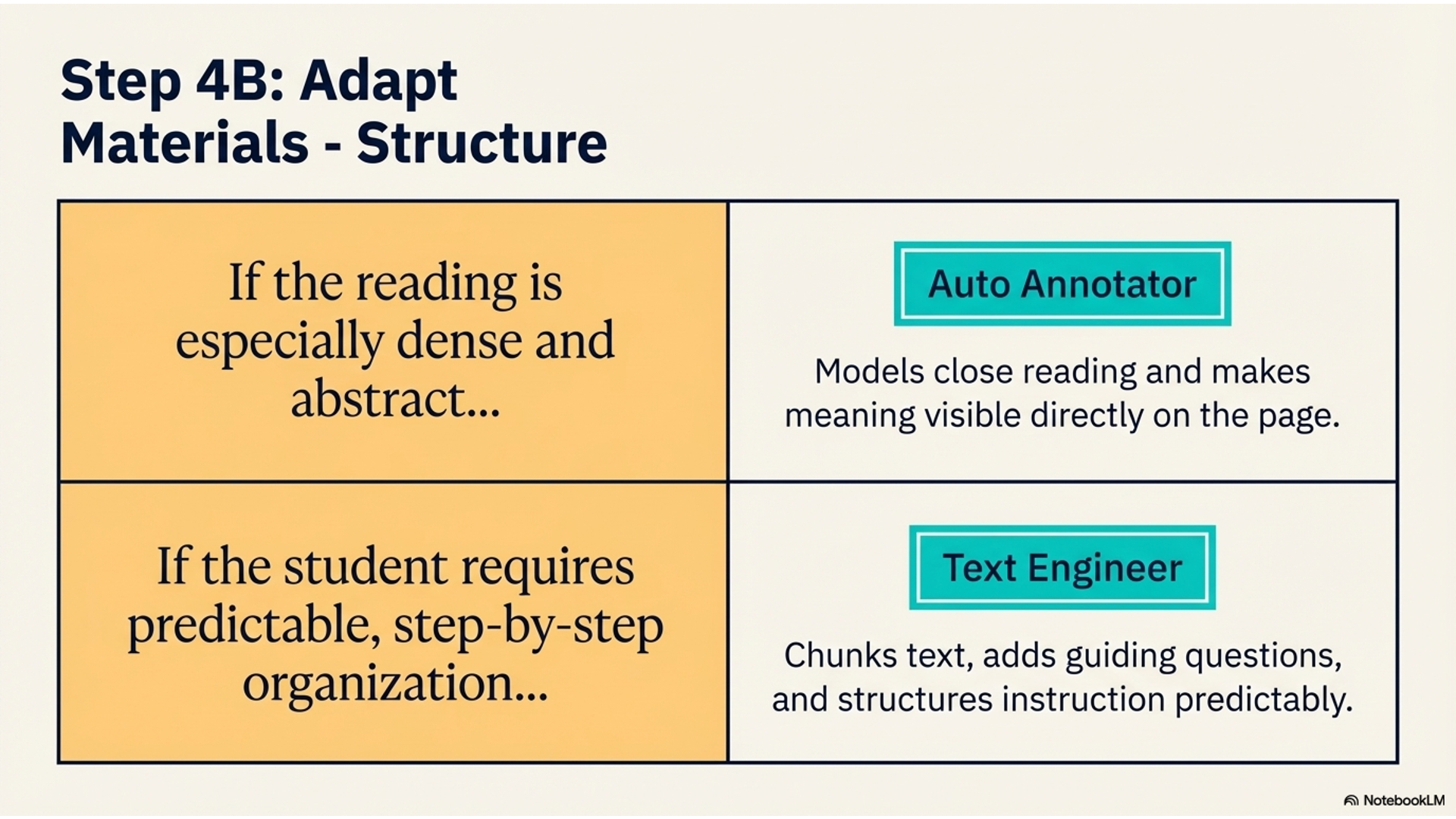
Next, she adapts the materials themselves. Using the Text Modifier or Text Scaffolder, she simplifies readings, builds guided notes, adds vocabulary support, creates checklists, and breaks tasks into manageable steps. If the reading is especially dense, she uses the Auto Annotator to model close reading and make meaning more visible. She can also use the Text Engineer as a consistent structure—chunking text, adding guiding questions, and organizing instruction in a predictable way for students who need it.
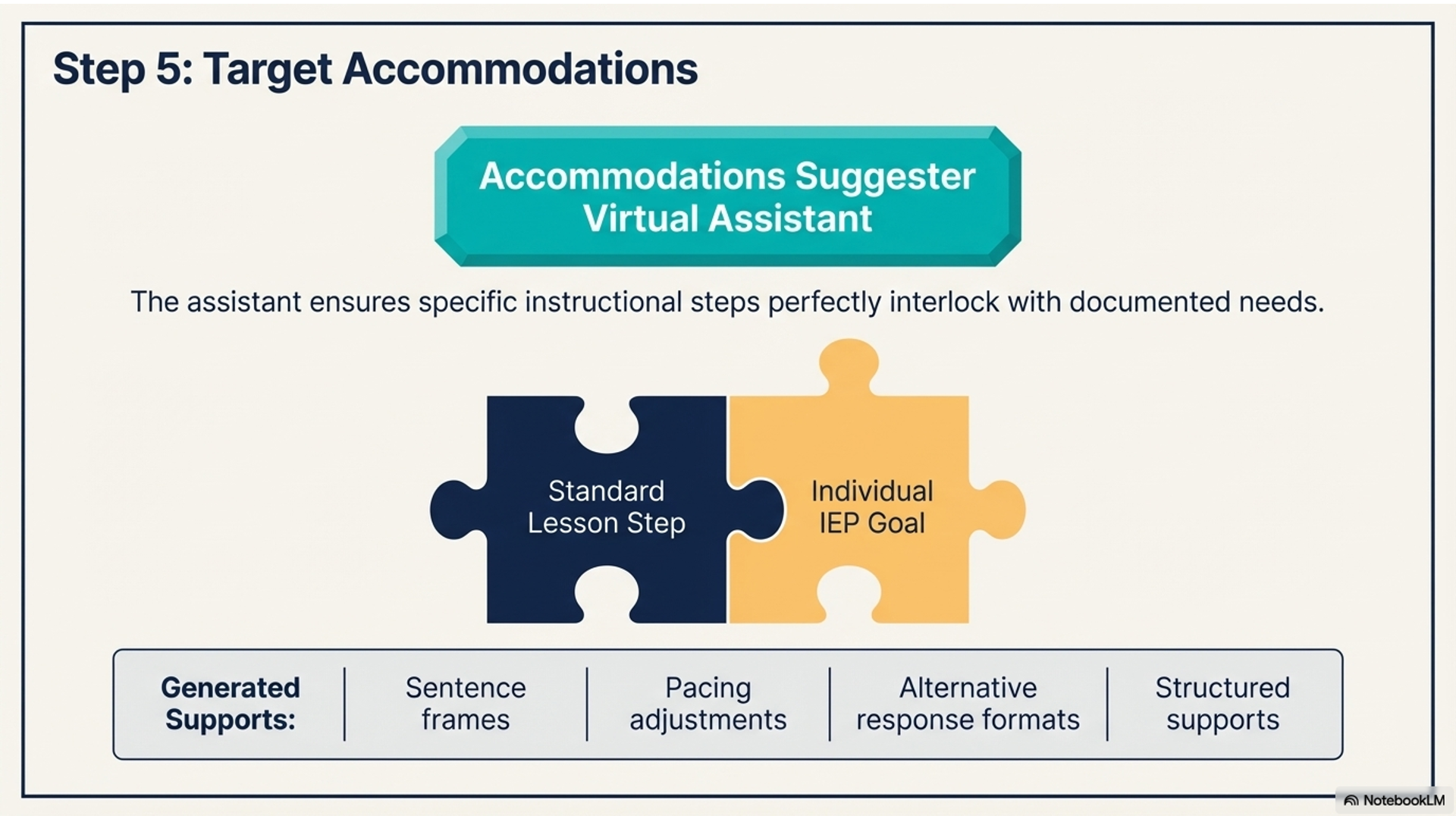
To ensure supports are aligned to individual needs, she uses the Accommodations Suggester Virtual Assistant. It generates targeted accommodations like sentence frames, pacing adjustments, alternative response formats, and structured supports that directly align with student IEP goals.
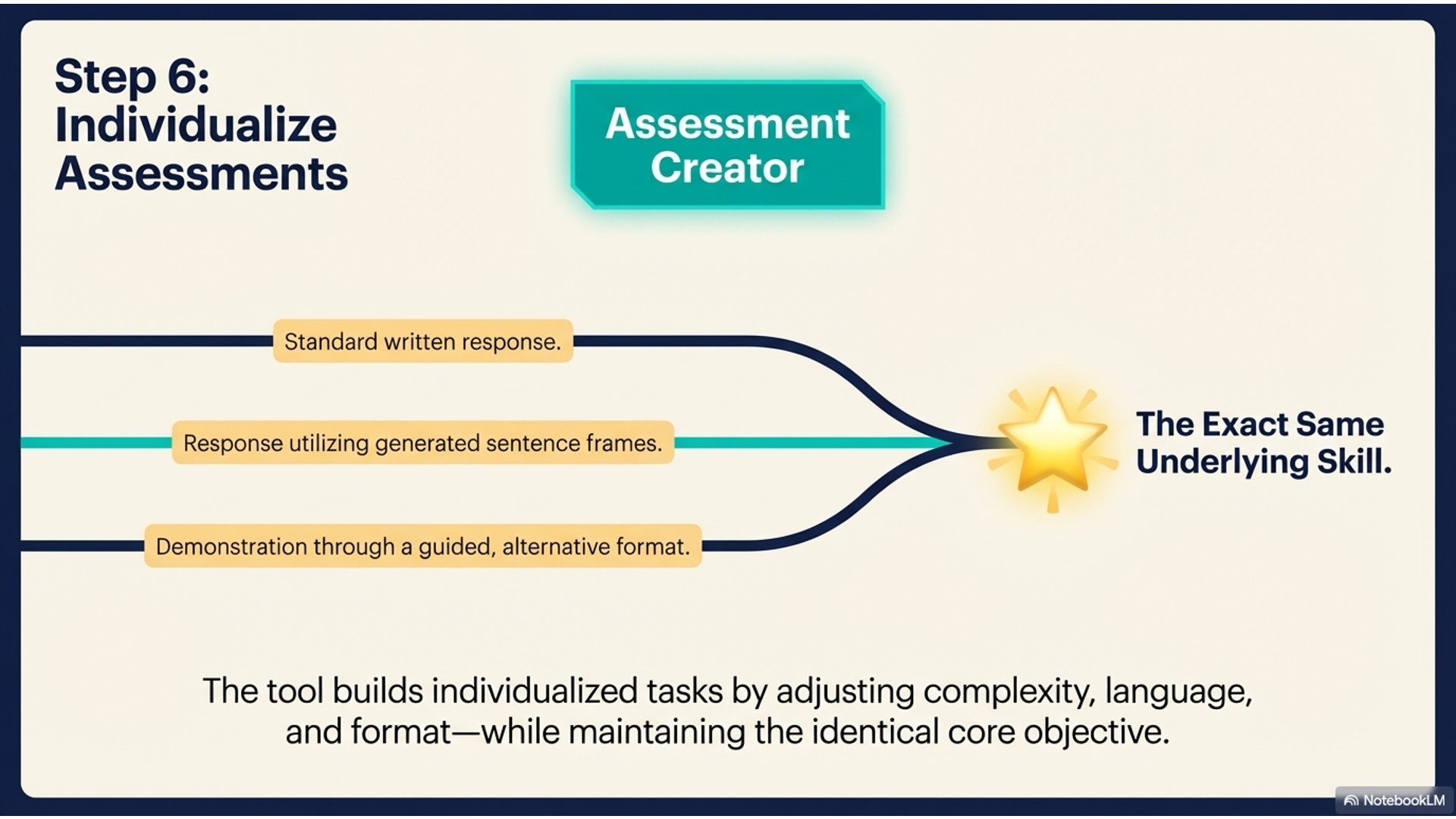
When it comes to assignments and assessment, she uses the Assessment Creator and other assistants to build individualized tasks. She can adjust complexity, language, format, and expectations while still keeping the same underlying skill. This means some students might complete a written response, others might use sentence frames, and others might demonstrate understanding through guided or alternative formats—all aligned to the same objective.
This process solves a critical problem: it allows the teacher to maintain rigor and purpose while individualizing access. Using real student insight, differentiated skill resources, targeted accommodations, and flexible assessments, she creates multiple pathways so every student can meaningfully engage with the same core learning.
Overview Video
Infographic
Demo Video
Slideshow