


Our Virtual Teaching Assistants
If the Skills Library is the backbone of the platform, the Virtual Assistants are the tools that help teachers use it.
Each assistant has a clear job. One finds the skill in a text. One annotates it. One simplifies it. One breaks it into smaller parts. One builds a lesson. One creates an assessment. One suggests supports.
They are easy to start. In ChatGPT, click the center button. In the Gemini Gem version, just type “hi.” The assistant will open with instructions and a menu. Then the teacher can choose an option or upload a file.
This matters because teachers do not need to learn complicated prompts. They need a clear starting point and a simple next step.
The assistants help turn common teacher questions into simple steps. What skill is this? How do I scaffold it? How do I build a lesson from it? How do I check understanding?
That is what makes the platform practical.
Virtual Teaching Assistants
For Teachers & Students
-

Text Modifier
Modify or Scaffold any uploaded text in 32 ways
-
Auto Annotator
Closely annotates any text, paragraph by paragraph
-

Text Engineer
Creates seven consistent, fundamental supports for any text
-

Custom Lesson Plan Generator
Analyzes the underlying skills needed to understand a text, and converts it into a draft lesson plan
-

Custom Unit Generator
Identifies the underlying skills from your uploaded documents and builds a unit plan
-

Custom Assessment Generator
Upload any document and choose from 58 different types of assessments to create
-

Teacher Self Assessment Analyzer
Upload a digital transcript of you teaching and compare it against the Danielson Rubric.
-

ELA Choose Your Own Adventures
Experience open-world, generated literature: Now you can read and write your own story
-

Math Adventures
Open-world scenarios where you use Math to save the world
-

Subject Specific Assistants
A subject-specific set of bots that identfy the underlying subject skills of any text
The assistants can start from a few common places. A teacher might begin with a text, worksheet, image, lesson, or assignment. They might begin with a student problem, such as low reading level, weak writing, language needs, or missing background knowledge. They might also begin with a planning need, such as building a lesson, creating scaffolds, or making an assessment. The starting point does not have to be perfect. The teacher just begins with what they have, opens the assistant, and follows the menu.
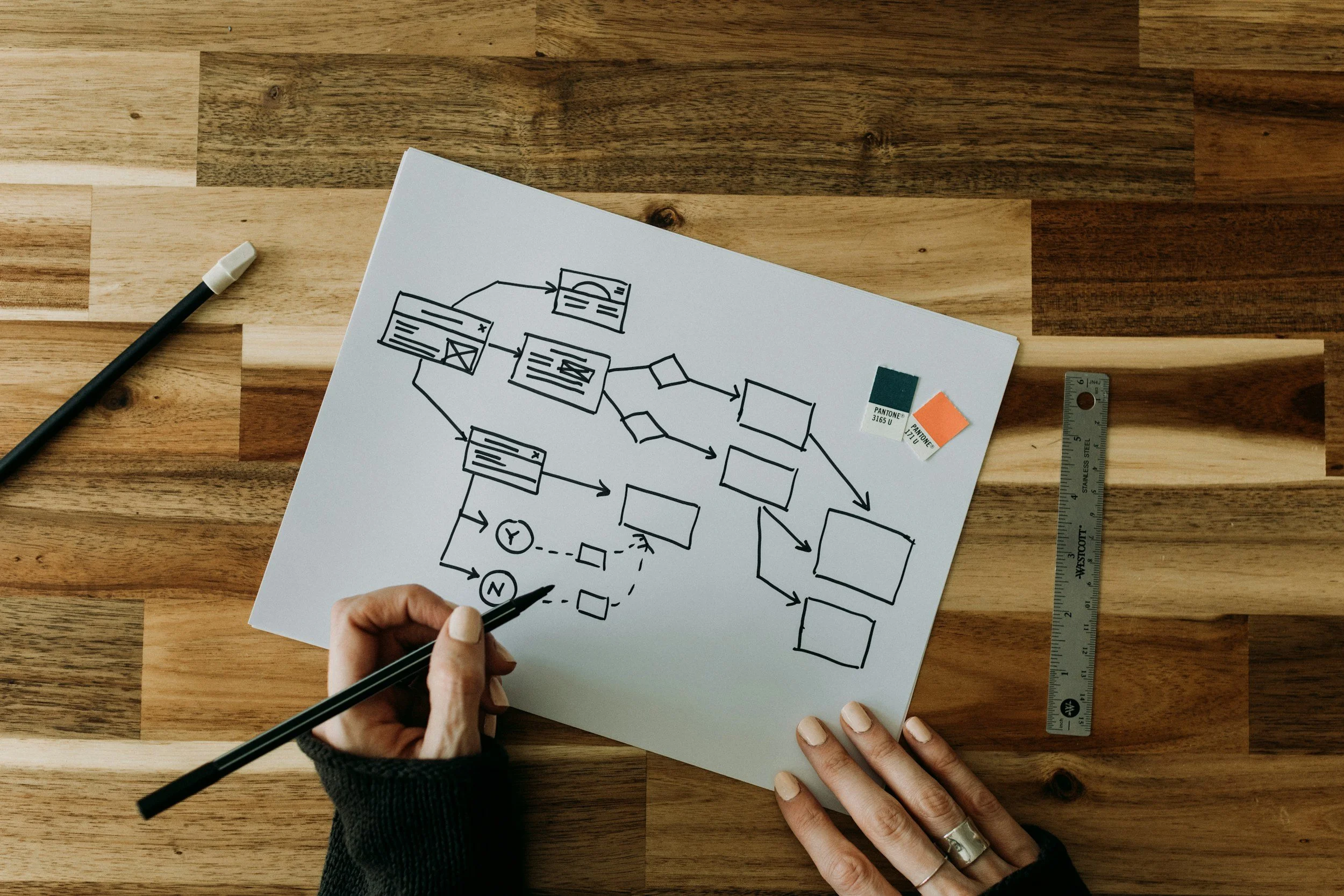
From there, the work moves into a workflow. A workflow is the step-by-step path that connects the tools. It shows what to do first, what to do next, and how to move from a material or problem to a lesson, scaffold, or assessment. This is how the parts of the platform work together instead of staying separate.


Sample Workflows
“I just came up with a great idea, and I want to make a lesson out of it”
Imagine a teacher walking down 125th Street in Harlem, passing the Apollo Theater. She begins wondering about the history of women’s contributions to the Apollo and thinks, “This could become a lesson.” She has a real idea, but not yet a full plan. That is where AI Miracle Factory begins. A teacher can start with a rough concept, a question, an image, a theme, or a historical curiosity, and use the virtual assistants to turn it into something teachable….
The workflow begins with the Custom Lesson Generator, which takes the raw idea and turns it into a draft lesson. If the teacher wants to expand it into a larger sequence, the…

“I found a text I want to teach, but it might be too hard for my kids to understand”
A middle school teacher is reading a news article over breakfast about a city trying to ban cell phones in schools. She thinks, my students would definitely have opinions about this. She saves the article, but she knows that just handing it out is not enough. She needs to know what skills students will need in order to read it well.
She uploads the article into the Auto Annotator first, which helps her closely read the text by identifying claims, tone, evidence, and key ideas. Then she uses

My students are struggling with close reading”
An English teacher notices that her students keep reading past important details without slowing down. They can summarize, but they miss tone, word choice, and what the author is really doing. She realizes the problem is not motivation alone. It is a close-reading skill gap.
She starts with the Auto Annotator, uploading a short passage that students have struggled with. The annotator helps model close reading by adding comments about meaning, claims, evidence, rhetorical choices, and important details. She then connects the reading skill to the Skills Library, where she can find
My assessment data shows me students are still low-skilled. What do I do?
A teacher gets midyear assessment data back in January and sees a pattern right away: many students are below where they need to be. Some are weak in finding evidence. Others struggle with main idea, explaining their reasoning, writing clear paragraphs, or solving multi-step problems. The teacher feels the pressure immediately. There is not enough time to stop everything, reteach half the year from scratch, and rebuild the curriculum. At the same time, moving forward without addressing the missing skills will only make things worse for students.
The teacher can use the assessment data, student work, or midterm results with the subject-specific assistants to identify the exact missing skills behind the low performance. Those skills can then
Workflows came about because teachers often need to do several different things with the same material before class. One text might need to be analyzed for its underlying skill, annotated, simplified, broken into parts, turned into a lesson, and followed by an assessment. It helps to have those steps in a clear and typical order.
The workflows were designed to organize the power of AI into menus with common teacher tasks and more stable outputs. Instead of starting from scratch each time, the teacher can choose from familiar options and follow a sequence that makes sense. This makes the tools easier to use, more focused, and more reliable in day-to-day planning.